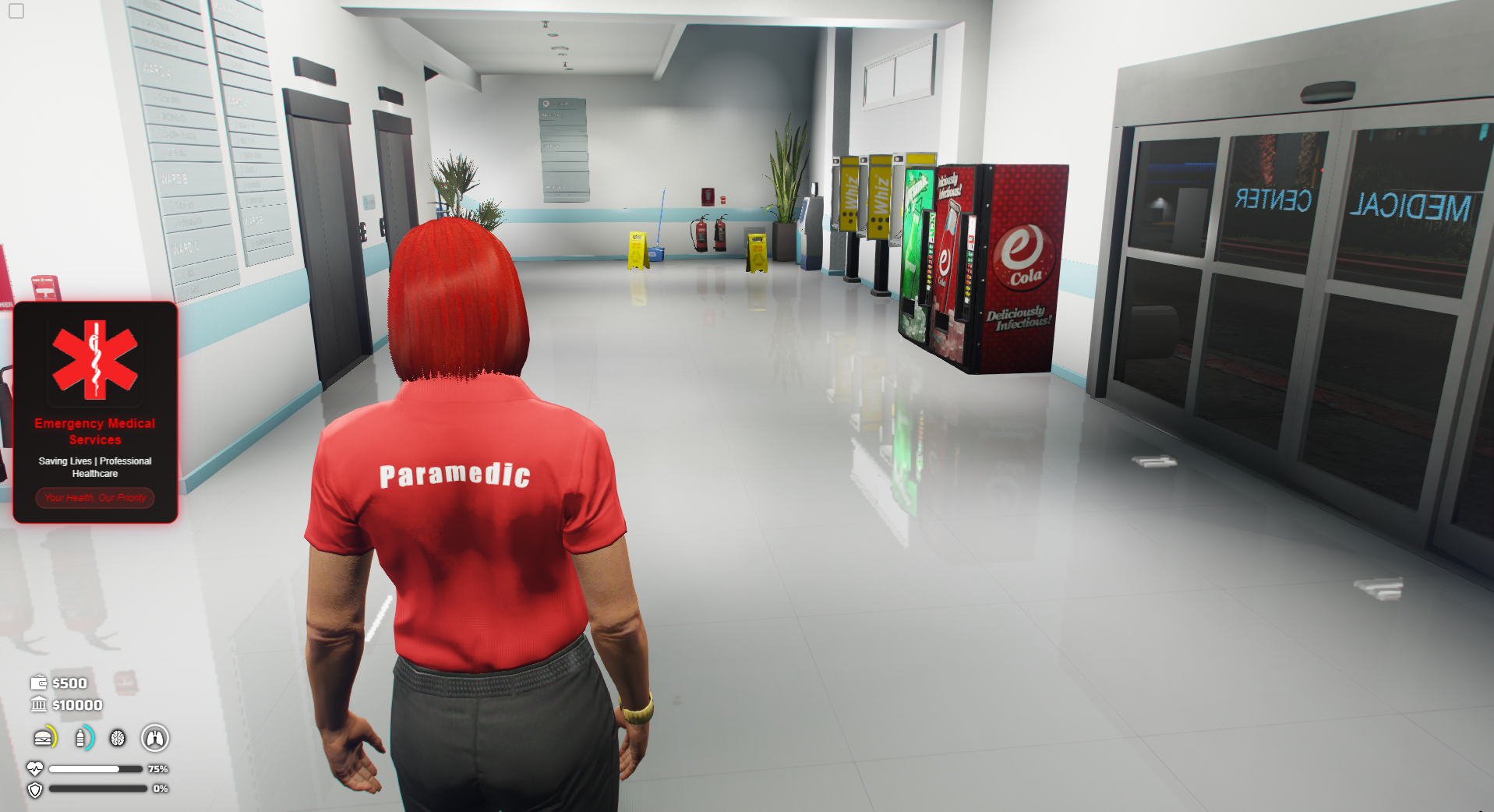
Simple Job DrawText UI
Installation
Krypton DrawText UI is a elegant, customizable interaction system for FiveM. It features image-supported popups with smooth transitions and deep brand customisation for locations across your server.
Download Script
To download the assets needed for this script, you must access the official Cfx.re portal, where all assets purchased through Tebex are managed.
- Go to the following link: https://portal.cfx.re/assets/granted-assets
- Log in with the same Cfx.re account you used to make the purchase.
- In the list of granted assets, find and download Job DrawText UI.
Download Dependencies
Ensure your server is up to date and you have a basic understanding of vector coordinates for location configuration. No external code dependencies are required.
Framework Modifications
This resource is standalone and does not require specific framework scripts to run, but it can be integrated with any job system by checking player jobs before showing the UI.
Server.cfg Placement
Add the following line to your server.cfg to ensure the resource loads on startup.
Configuration Example
Here is an example of how to configure a location, such as the Mission Row Police Department: